 AutoShorts.ai
The short answer
What does AutoShorts.ai automate?
AutoShorts.ai creates recurring faceless videos from a topic or custom prompt, including scripts, narration, scene media, captions, and music. A Series can schedule and publish videos to connected TikTok, YouTube, and Instagram accounts. You can preview and edit upcoming videos before they post. Video creation requires a paid plan.
How faceless video automation works
A Series stores the creative settings for an ongoing stream of videos. Choose a topic that supports multiple episodes: for example, short stories about historical inventions, rather than a prompt that repeats one exact fact. Each new video follows the Series settings.
AutoShorts creates the upcoming video and schedules publication. Your job is to choose the subject, check the result, and keep the connected accounts and posting settings up to date.
Define your Series
Choose a topic or custom prompt, then select the voice, language, visual style, duration, and music.
Preview the upcoming video
Review the script, narration, scene media, captions, and title. Make supported edits before the scheduled publishing time.
Publish to selected accounts
Connect and select your destinations. AutoShorts sends scheduled videos to the supported platforms using your posting settings.
One idea. Three distinct scenes.
Topic: a lighthouse after dark. Give each image a different job in the story.
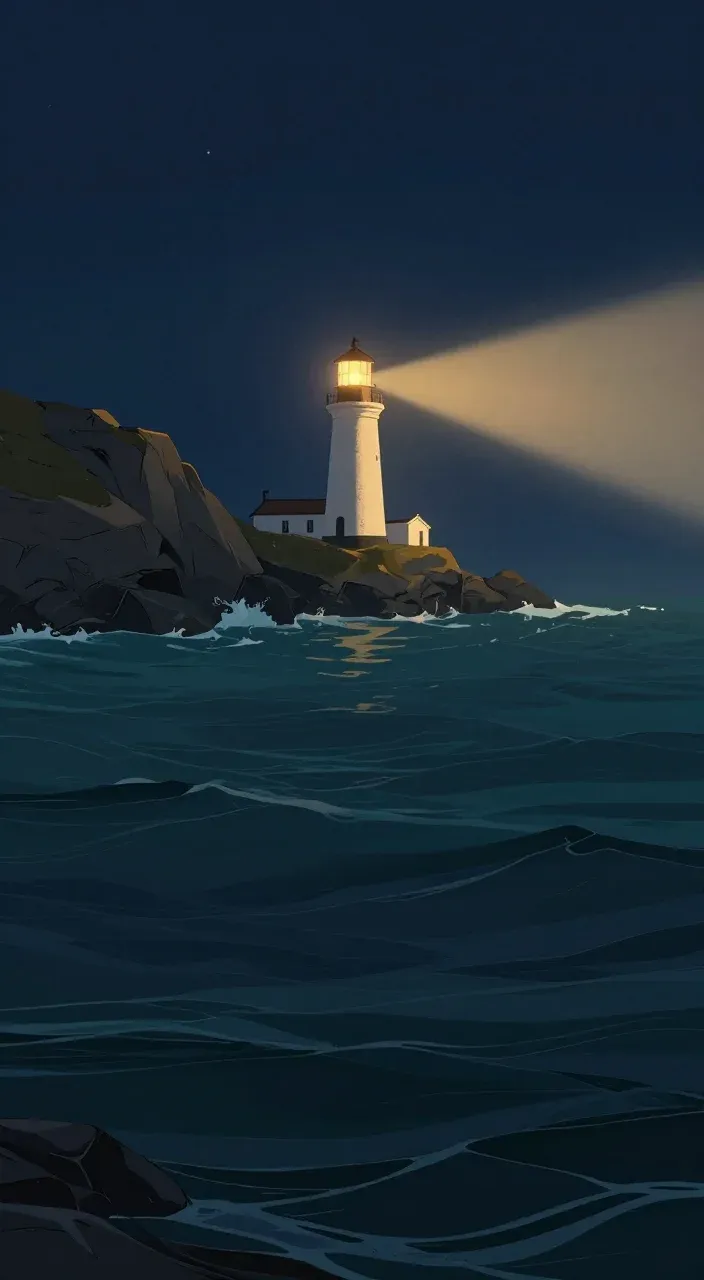
01 · Establish the setting
A lighthouse cuts through the coastal mist.
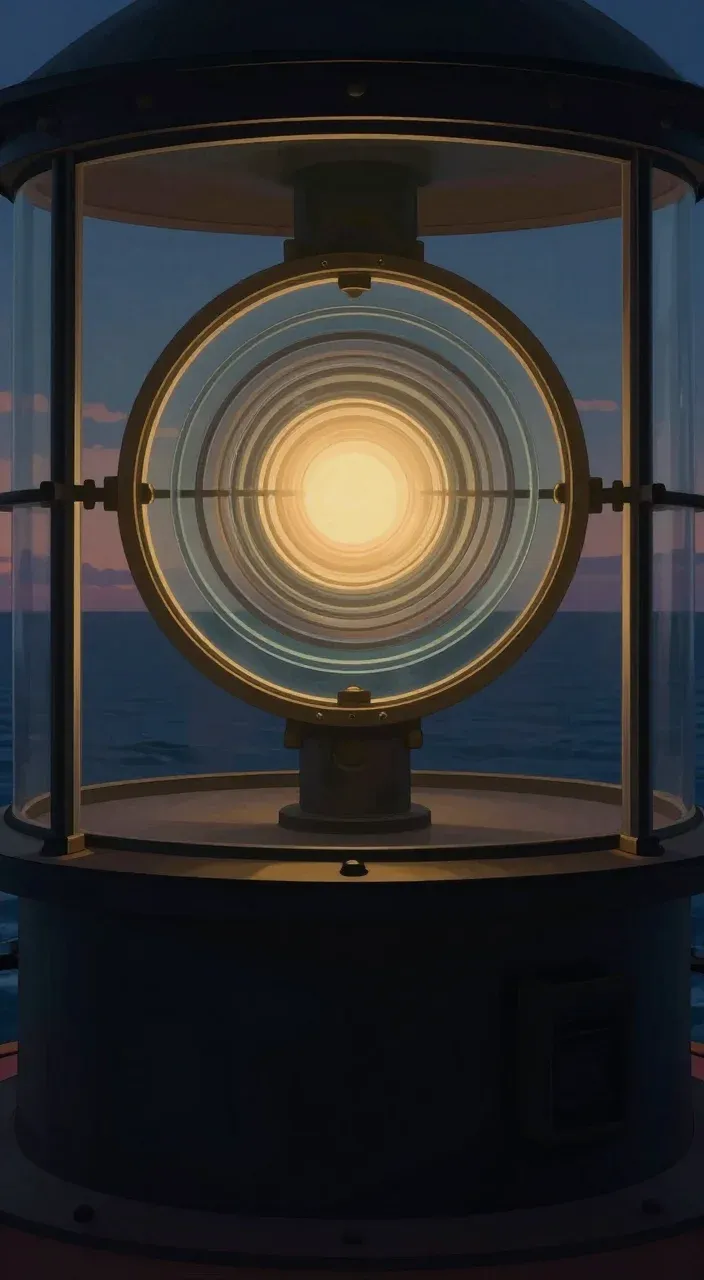
02 · Show the detail
Move closer to the light and its lens.
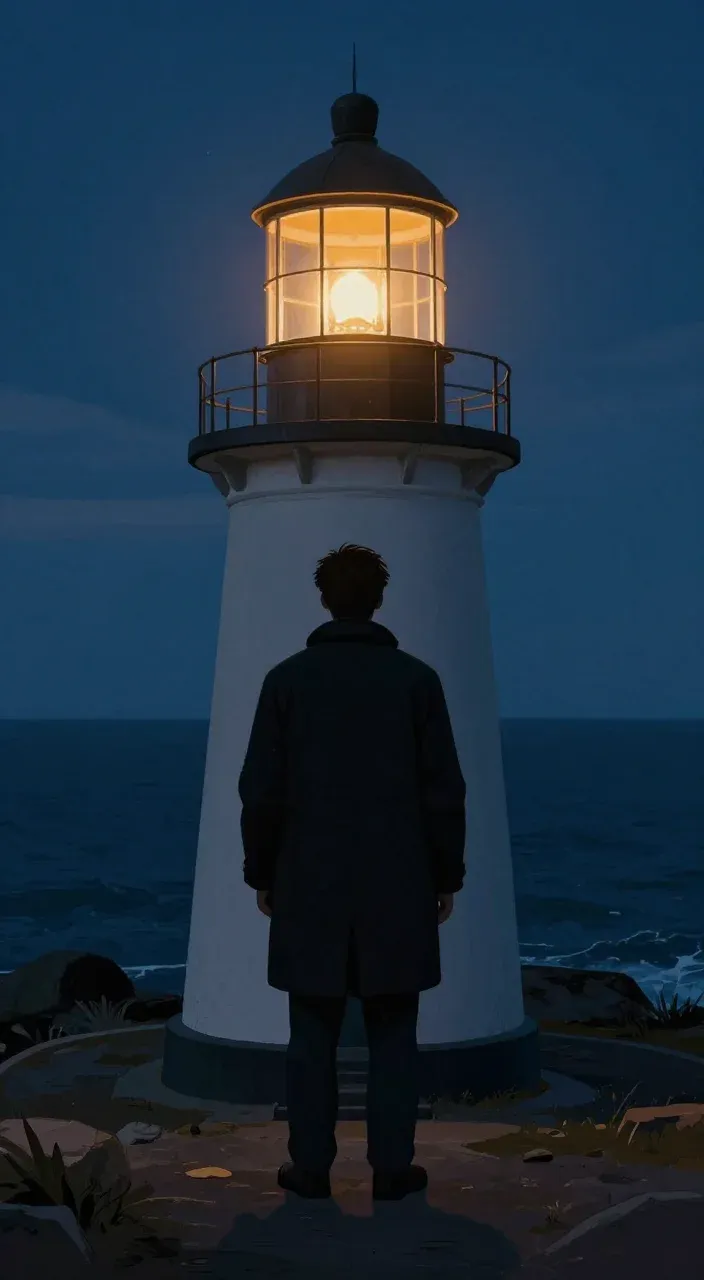
03 · Add a human moment
A keeper watches the coast as night falls.
What is AutoShorts.ai?
See the product overview alongside the Series workflow described above.
Can one Series post to TikTok, YouTube, and Instagram?
Yes. AutoShorts supports all three destinations. The account selector lets you select one TikTok account, one YouTube channel, and one Instagram account for a Series. Connecting an account alone is not enough: select it as a destination for the Series.
Publishing still depends on valid account permissions and each platform accepting the upload. TikTok workflows can include an inbox step that requires you to finish posting in the TikTok app; check the selected posting mode and video status.
| Destination | What to check |
|---|---|
| Instagram Reels | Connect a Professional account (Business or Creator), then select it for the Series. |
| YouTube Shorts | Authorize and select the intended YouTube channel. Check the publishing settings. |
| TikTok | Authorize and select the intended account. Check whether your posting mode publishes directly or needs an in-app step. |
Original video generation or a clip repurposing tool?
Choose a recurring generator when you have a topic but no existing footage library. AutoShorts builds videos around a Series prompt. For example, a history Series can turn a broad subject into separate short episodes with generated narration and scene media.
Choose a clip repurposing workflow when you already have long recordings—such as your own podcast or webinar—and want to extract the strongest moments. The input is different: a topic-driven Series does not require a long recording, while a clipping workflow does.
AI-generated output still needs an editorial check. Review factual claims, names, pronunciation, and whether the visuals actually support the story. Automated creation is not a guarantee of accuracy, views, or monetization.
Automation with time to review
You can preview upcoming videos and edit supported fields such as the script, title, scene images, and background music. Review is optional before scheduled publishing; the Series does not wait for an approval click on every video.
If you need more time, pause the Series before its scheduled post and before the upload begins. Pausing stops future creation and posting for the Series; it does not recall an upload already sent to a social platform. Resume when you are ready, then check the schedule.
Choose a schedule that fits your plan
The standard monthly plans below are for one Series. A Series is one recurring content setup; it is not the same thing as a social account. You can select one account per supported platform for that Series. Additional Series increase the subscription price.
Motion credits are separate from posting frequency. They animate scene images, so a plan that generates a video every day does not mean unlimited fully animated footage. Check the current pricing page for credit allowances and annual billing options.
| Monthly plan | Price for 1 Series | Posting frequency |
|---|---|---|
| Starter | $19/month | 3 times a week |
| Daily | $39/month | Once a day |
| Hardcore | $69/month | Twice a day |
Prices checked October 22, 2026. Video creation requires a paid plan; free-account video creation is disabled.
Common questions
Do I have to record my face or voice?
No. AutoShorts can generate narration and scene media for a faceless Series. You still choose the topic and review the result.
Does the $19 plan create a video every day?
No. Starter is $19/month for one Series posting three times a week. Daily is $39/month for one Series posting once a day. Those are standard monthly prices checked October 22, 2026.
Does every video wait for my approval?
No. You can review and edit an upcoming video before its scheduled time, but scheduled publishing does not require an approval click. Pause the Series in advance if you need more review time.
Can I make videos in Spanish?
Spanish is a supported Series language. Choose Spanish in the Series settings and review the generated narration and captions, especially names and pronunciation.
Product details & further reading
This guide describes AutoShorts.ai’s product workflow. Plan details were checked on October 22, 2026; current pricing and account requirements may change.
 AutoShorts.ai
 YouTube