 AutoShorts.ai
SmartShort AI - AI Video Creation Simplified
 Eric Smith | November 12, 2025

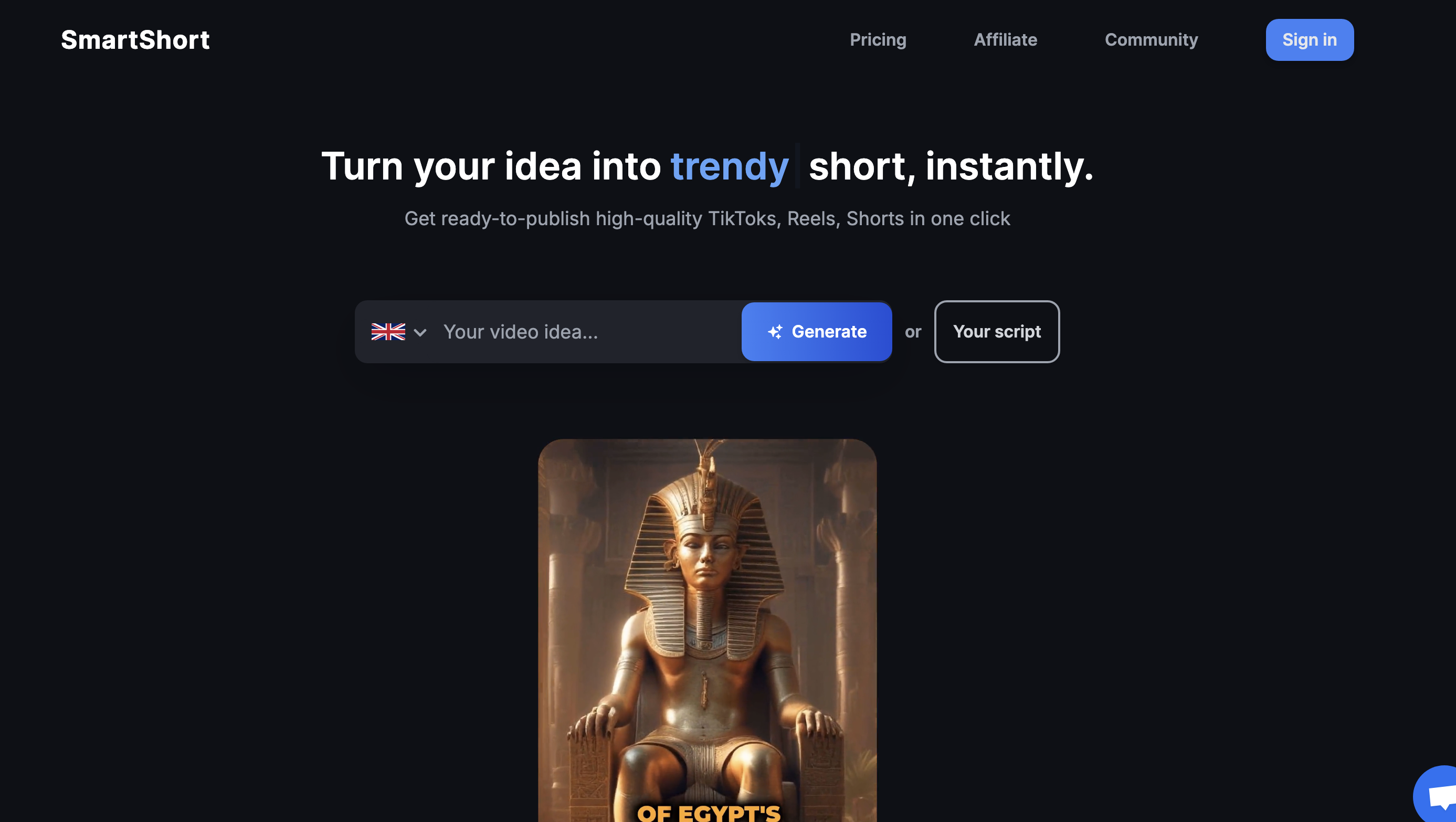
Key Features of SmartShort AI
- AI-Powered Text to Video Conversion
SmartShort AI simplifies the video creation process by allowing users to transform written content into videos with minimal effort. This feature is particularly beneficial for those looking to produce content quickly. - Customizable Templates
Choose from a range of templates to suit different themes and styles. SmartShort AI offers basic customization options, such as adding text overlays and selecting color schemes, to ensure videos align with your branding. - Social Media Integration
SmartShort AI integrates with platforms like TikTok, Instagram, and YouTube, allowing users to share their videos directly from the platform, thus enhancing their social media strategy. - AI Voiceover Integration
SmartShort AI provides AI-generated voiceovers, enabling users to add professional-sounding audio to their videos without the need for recording equipment. - Quick Video Production
The platform is designed for speed, allowing users to create and publish videos rapidly, which is ideal for marketers and content creators with tight deadlines.
AutoShorts.ai vs. SmartShort AI
- Advanced Customization
While SmartShort AI offers basic customization, AutoShorts.ai excels with more advanced options, including art styles, voice models, and manual editing capabilities, providing users with greater creative control. - Platform Flexibility
AutoShorts.ai supports automated posting to both TikTok and YouTube channels, offering more versatility for users looking to expand their reach across multiple platforms. - Creative Control
AutoShorts.ai allows users to preview and manually edit videos, offering a more hands-on approach compared to SmartShort AI's streamlined process.
Who Can Benefit from SmartShort AI?
- Marketers
SmartShort AI is perfect for marketers who need to quickly convert text into engaging videos to enhance their strategies. - Content Creators
Ideal for creators who want to produce high-quality videos with minimal effort, especially those who do not have advanced editing skills. - Small Businesses
Companies looking to leverage video for communication or marketing can use SmartShort AI to generate and distribute content efficiently.
SmartShort AI Pricing
SmartShort AI offers a tiered pricing model to accommodate different user needs:
- Free Plan: Allows users to create a limited number of videos with basic features and watermarked content.
- Basic Plan ($15/month): Provides access to more templates and customization options, suitable for casual creators.
- Pro Plan ($35/month): Includes advanced features and higher video limits, catering to more frequent users.
- Business Plan ($60/month): Designed for teams or businesses with multiple users, offering premium features and priority support.
Alternatives to SmartShort AI
Explore AutoShorts.ai, which provides deeper customization and cross-platform support, as well as other tools focusing on video automation but without the robust features of AutoShorts.ai.
Conclusion
SmartShort AI offers a user-friendly platform for creating short videos quickly and efficiently. While it excels in ease of use and rapid production, AutoShorts.ai stands out for its advanced customization options and cross-platform flexibility, providing more control over video content creation and scheduling.
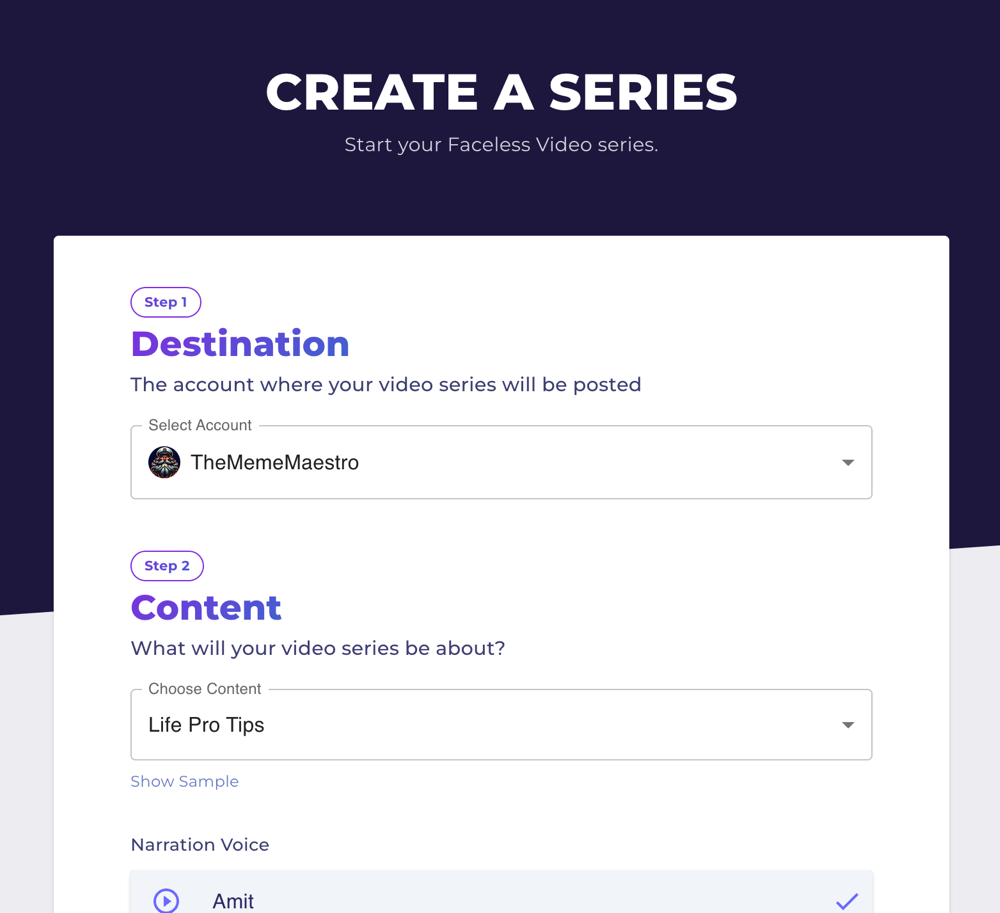
Text to Video Conversion
SmartShort AI allows users to convert text into video content quickly. By inputting your script or text, the platform's AI technology generates a video with synchronized visuals and voiceovers, streamlining the production process.

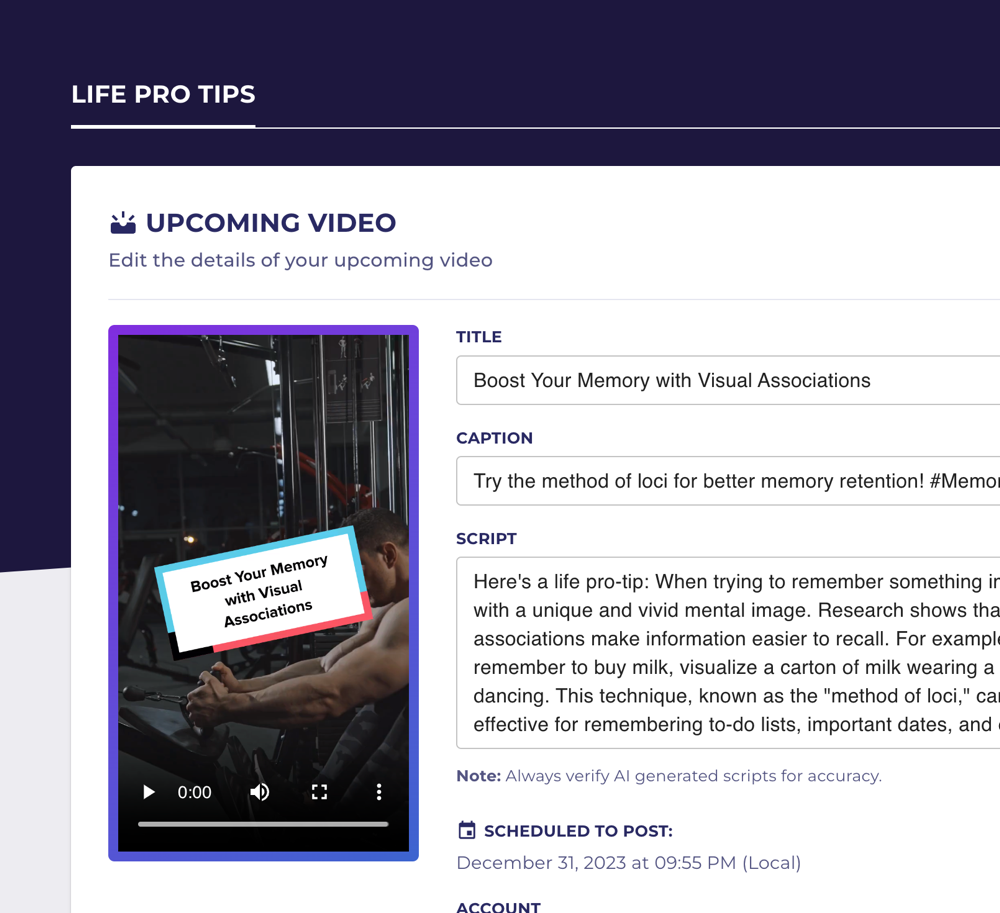
Template Selection and Customization
With SmartShort AI, users can select from a variety of templates to match their video's theme and style. This feature helps ensure that videos are visually appealing and aligned with the creator's branding, enhancing viewer engagement.

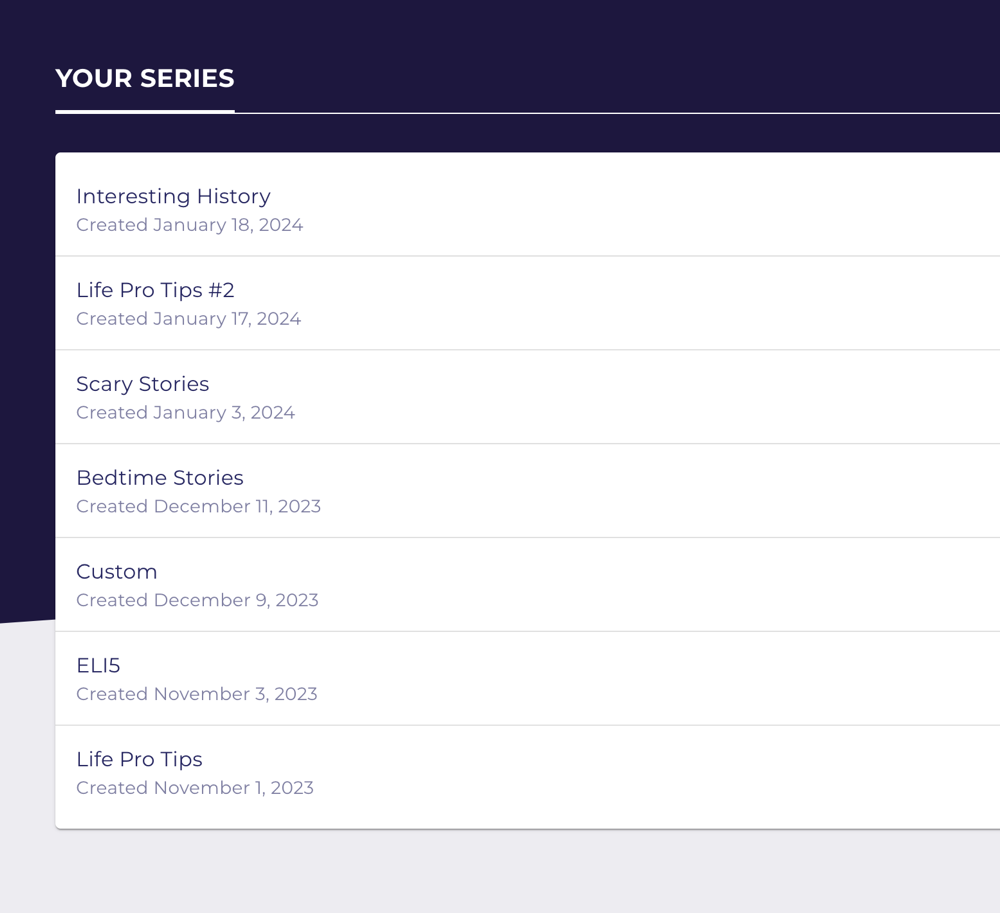
How to create a faceless video series with AutoShorts.ai
1. Sign up on AutoShorts AI
2. Open your dashboard and click on "Create a Series"
3. Choose a topic for your video series or enter a custom prompt
4. Select the art style, voice, language, and video duration, then click "Create"
What is SmartShort AI?
SmartShort AI is a platform designed to help users create short, engaging videos using AI technology. It focuses on simplifying the video creation process by offering tools that convert text into video content quickly.
How does SmartShort AI simplify video creation?
SmartShort AI offers a streamlined process for creating short videos, with a focus on ease of use and quick turnaround times. It provides basic customization options and integrates with popular social media platforms for easy sharing.
Who can benefit from using SmartShort AI?
SmartShort AI is ideal for content creators and marketers who need to produce short, engaging videos without investing significant time in editing. It's particularly useful for those who want to enhance their social media presence.
Does SmartShort AI offer a free trial?
Yes, SmartShort AI offers a free trial that allows users to explore its features and create a limited number of videos. This helps potential users understand the platform's capabilities before committing to a paid plan.
How does AutoShorts.ai compare to SmartShort AI?
AutoShorts.ai provides more advanced customization options, including art styles, voice models, and manual editing capabilities, making it a more flexible choice for users seeking greater creative control over their video content.
 AutoShorts.ai
 YouTube