 AutoShorts.ai
How to Warm Up Your Account


How to Warm Up Your Account (So You Don’t Get 0 Views)
Here’s my no-nonsense guide to warming up a new TikTok, Instagram, or YouTube account before using AutoShorts.ai or any kind of posting automation.
NEVER cold start your TikTok/YouTUbe/IG account by posting your 1st video right after creating your account. Particularly if you are using an automation platform like AutoShorts. Why? You want to signal to the algorithm that there is a real human operating the account. To avoid being flagged as a bot, you should go through an account "warm up". This applies to existing accounts if you are changing up your content niche or haven't used it in a while.
Day 1–3: Scroll, Like, Follow, Comment (Do NOT upload)
- Don’t upload any videos right after creating your account. Let it sit for at least 24 hours.
- Follow 10–15 accounts if possible. If the platform blocks you from following, no big deal — that happens. Just move on.
- Spend 30–60 minutes scrolling through your feed. Like stuff. Leave real comments. Watch videos through.
- Be a human. This is your excuse to doomscroll guilt-free.
Day 4–6: 1 Video a Day
- Start posting slowly — no more than one video per day.
- Upload the first few videos manually from your phone if you can. Don’t automate just yet.
- Still keep engaging with other content like a normal user.
Day 7 and Onward: Go All In
- Now’s the time to ramp things up. You can start using AutoShorts.ai to schedule posts daily or more.
- Continue using your account normally — comment, like, follow — at least a few times per week.
Zero Views? Don’t Panic
It’s totally normal for your first 5–7 videos to get very few or even zero views. Keep going. But if you hit video 15 and you’re still stuck at 0? That’s likely a shadowban. Take a 2–3 day break. Engage with content. Then test again with a manual post. If it’s still dead… might be time to start fresh with a new account.
That’s it. Keep it simple. Warm up right, don’t skip steps, and your AutoShorts automation will run smoother and reach more people.
Get started now: Create a Faceless Series
Pick a Topic
Simply choose a topic that your Faceless video series will be about. You can even customize your own. Our AI will immediately begin creating your first video.

Preview Video
Posting to your channel is completely automated. Of course, you can preview and edit the contents of your video at anytime before they are scheduled to post. Each video is unique to you.

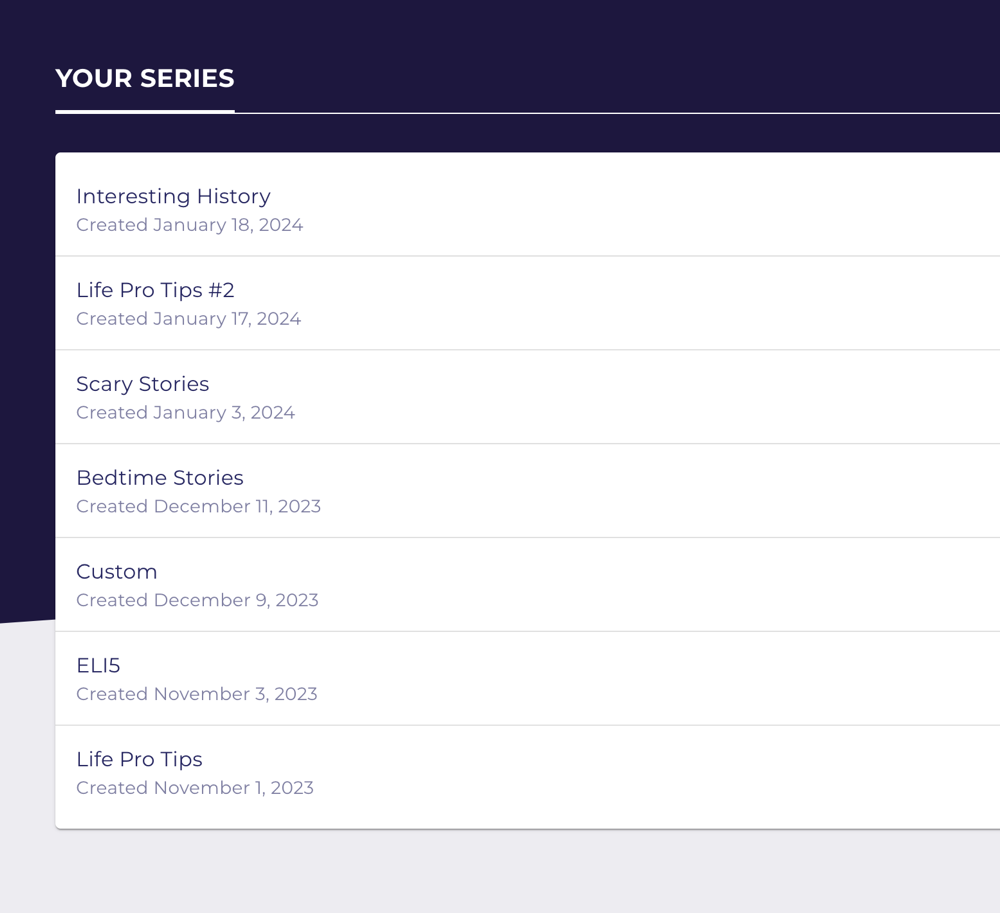
Manage Your Series
Easily manage, delete, and preview all of your Faceless Video series in one place.
 AutoShorts.ai
 YouTube